
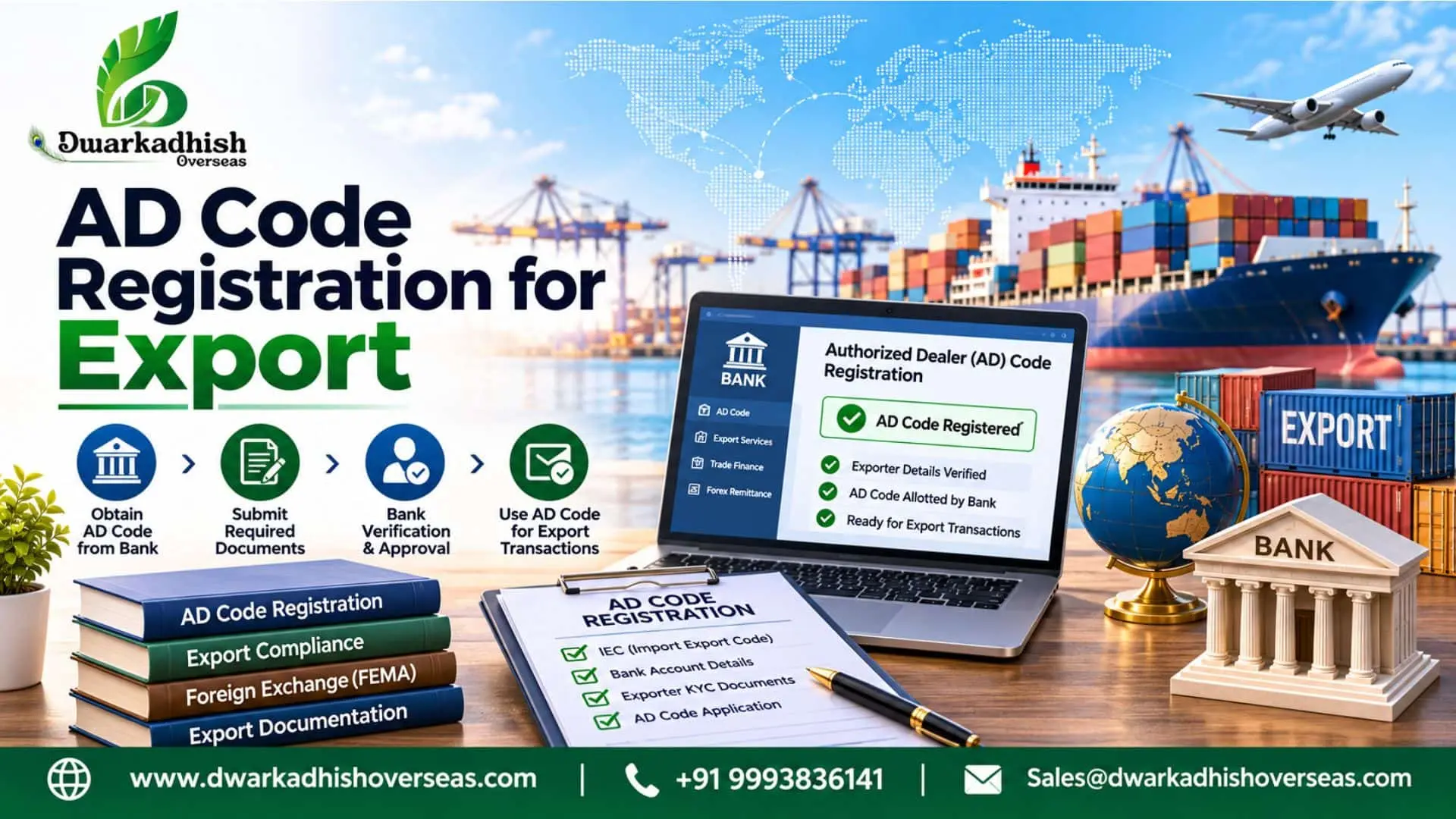
Getting goods ready for export takes time and effort. But shipping is only one part of the process. Exporters must also meet bank and Customs rules.
One key step is AD Code registration. It links the exporter’s bank account with Customs records. Without correct bank details, exporters may face delays or extra checks. This is why it is important to understand the process before shipping goods.
From getting the code from your bank to registering it on ICEGATE, each step matters. This guide tells you how to register under the AD Code, bank rules, documents and charges. As well as typical problems and how to check your registration status.
Table of Contents
- What Is AD Code in Export?
- Why Is AD Code Registration Important for Exporters?
- How to Get AD Code from Bank?
- What Is an AD Code Letter and What Details Does It Contain?
- AD Code Registration Process on ICEGATE
- Important Update: AD Code Registration at One Customs Port
- Documents Required for AD Code Registration
- What Are the AD Code Registration Fees?
- How to Check AD Code in ICEGATE?
- Common Problems During AD Code Registration
- Frequently Asked Questions
- What is AD Code in export?
- How can I get an AD Code from my bank?
- What documents are needed for AD Code registration?
- How long does AD Code registration take?
- Is AD Code registration needed at every port?
- What are the fees for AD Code registration?
- How can I check my AD Code status?
- Can one IEC have more than one AD Code?
What Is AD Code in Export?
AD Code means Authorised Dealer Code. It is linked to a bank branch that handles foreign exchange.
But what is AD Code in export? It is a bank code used in export work. It helps link the exporter’s bank details with Customs records.
An AD Code for export helps Customs identify the bank linked to an export business. It also helps keep bank details on record.
Here are some key uses of an AD Code:
- It links the bank account with Customs records.
- It identifies the authorised dealer bank.
- It helps record bank details for export work.
- It keeps banking information clear and correct.
AD Code and IEC are not the same. IEC is the code given to an exporter. AD Code is linked to the authorised dealer bank.
Why Is AD Code Registration Important for Exporters?
You have to provide your correct bank details to Customs. Your AD Code will be registered to your IEC so that Customs can verify which bank you are using for your exports.
Registering your AD Code also keeps your bank details on record. Here is why this step matters for exporters:
1. Customs requirements
Exporters must follow Customs rules. AD Code registration helps add the bank details to Customs records.
2. Bank account details
The code links the bank account with the exporter’s IEC. This helps Customs check the details.
3. Foreign payment records
Exporters receive payments from buyers in other countries. Their bank handles these payments. The registered details help identify this bank.
4. Correct export records
Correct bank details help keep export records clear. They also reduce errors during document checks.
5. Better record management
Exporters can view their bank details on ICEGATE. They can also check their AD Code status.
How to Get AD Code from Bank?
The first step is to get an AD Code from your bank. Most exporters contact the bank that holds their business account.
If you want to know how to get AD Code from bank, start with your bank branch.
The bank will check your business and account details. It will then issue the required AD Code letter.
The process usually includes these steps:
- Contact the bank branch that holds your business account.
- Ask for an AD Code for export work.
- Share your IEC and PAN details.
- Provide the required bank account details.
- Complete the bank’s checks.
- Get the AD Code letter from the bank.
The bank might ask for some more information depending upon their policies.
Ensure that all the details are correct. The details of your IEC, PAN and Bank account should be the same. Otherwise there may be a problem while registering.
What Is an AD Code Letter and What Details Does It Contain?
An AD Code letter is a document issued by the bank. It confirms the bank and account details of an exporter.
Exporters need this letter for Customs registration. It helps Customs check the bank details linked to the export business.
The AD Code letter from bank should contain the correct business and bank details.
It should include:
- Exporter’s business name
- Business address
- Importer Exporter Code (IEC)
- PAN details
- Bank account number
- Account holder’s name
- AD Code
- Bank branch name and address
- Bank contact details
- Bank official’s approval
The bank must issue this letter. It should also contain the details required by Customs.
Exporters may also search for an AD Code letter format before contacting their bank. The exact format can vary between banks. However, the letter must contain the details needed for Customs checks.
An AD Code request letter to bank is different from the bank-issued AD Code letter. The first is a request from the exporter. The second is proof issued by the bank.
Some exporters also use the term ICEGATE authorisation letter format. This may refer to the bank letter or a separate letter for an authorised representative. These documents serve different purposes.
A bank-issued letter must not be confused with an authorisation letter for ICEGATE registration. Exporters should check which document applies to their case.
AD Code Registration Process on ICEGATE
After you get the AD Code letter, register your details on ICEGATE.
ICEGATE is the Indian Customs Electronic Gateway. It is an online portal for importers and exporters. It also offers many Customs services.
The ICEGATE AD Code registration process lets exporters submit their bank details. Customs then checks the details and documents.
The main steps are explained below.
1. Log In to ICEGATE
Exporters need access to ICEGATE services. Log in with your registered account details.
2. Open Bank Account Management
Go to the Financial Services section. Select Bank Account Management. This section helps users manage their bank details.
3. Select Foreign Remittance Account
Choose the Foreign Remittance Account option. This is the right section for AD Code registration on ICEGATE.
Do not select the Refund or Incentive Account. These accounts serve a different purpose.
4. Add Your Bank Details
Enter the bank details asked for on the portal. These may include the bank name, branch and account number. You may also need to enter the AD Code.
Check all details before moving ahead.
5. Select the Customs Location
Choose the right Customs location for your registration. Check this detail before you submit the information.
6. Upload the Required Documents
Upload the bank authorisation letter and account proof. Make sure all files are clear and easy to read.
7. Check and Submit the Details
Review all details before you submit them. Follow the checks shown on the ICEGATE portal.
The portal may create an IRN or reference number. Keep it safe for future checks.
8. Check the Application Status
Customs will assess the information and documents. View the status of your application using the AD Code dashboard.
If your application is rejected by Customs, find out why. Correct the issue and follow the reapplication process.
The portal may change its screens or steps. Always follow the latest instructions shown on ICEGATE.
Important Update: AD Code Registration at One Customs Port
Customs made an important change to the AD Code registration process in September 2025.
Earlier, exporters often had to register their AD Code at each Customs EDI port. This added more work for exporters who used many ports.
The new process makes this easier. Exporters can register an AD Code at one Customs port. Once Customs approves it, the registration is available across Customs locations.
This change offers some key benefits:
- No need for a new registration at each port.
- Easy access to approved bank details.
- Less work for exporters using many ports.
- Better control of bank records through ICEGATE.
One IEC can still have more than one AD Code. It can also have more than one bank account. These must meet the rules set by Customs.
Changes to an old registration must follow the set process. For example, the original registration port handles such changes.
This update allows exporters to register their AD Code at one Customs port and use the approved registration across Customs locations.
Documents Required for AD Code Registration
Correct documents are a key part of AD Code registration. Exporters must share the right bank proof with Customs.
The main documents include:
| Document | Why It Is Needed |
| Bank authorisation letter | Confirms the bank and AD Code details |
| Cancelled cheque | Helps check the bank account |
| Bank-endorsed bank statement | Can serve as an alternative to a cancelled cheque |
The bank letter must have the exporter’s name and address. It must also show the IEC, PAN and bank account details.
The PAN linked to the bank account must match the PAN linked to the IEC.
Check all documents before you submit them. Missing or wrong details can delay the process.
Follow the current Customs rules for document upload. This may include submission through e-SANCHIT.
What Are the AD Code Registration Fees?
The cost of AD Code registration may vary. It depends on the bank and the service you choose.
There are three types of costs to keep in mind.
- Bank charges: Some banks may charge for the AD Code letter. They may also charge for other bank documents. Check the current fee with your bank.
- ICEGATE charges: Do not assume that a fixed government fee applies. Check the latest portal rules for any charges.
- Consultant charges: Some exporters hire experts for document checks and ICEGATE support. The fee depends on the work they need.
Ask for a clear cost break-up before you pay. This helps you know what each charge covers.
How to Check AD Code in ICEGATE?
After you submit the request, check its status. ICEGATE has a dashboard for AD Code records.
If you want to know how to check AD Code in ICEGATE, follow these steps:
- Log in to the ICEGATE portal.
- Open the Financial Services section.
- Select Bank Account Management.
- Open the AD Code Registration section.
- Check your application status and bank details.
The dashboard may show these status types:
- Approved: Customs has approved the registration.
- Pending: The request is still under review.
- Rejected: Customs has not approved the request. Check the reason shown on the portal.
- Deactivated: The registration is no longer active.
The dashboard also helps exporters check their old registrations. They can review the details and track new requests.
Common Problems During AD Code Registration
You may run into a few issues while registering your AD Code. Most often, these happen because of incorrect details or missing documents.
Here are some common issues and ways to avoid them.
1. Wrong Bank Account Details
A wrong account number can cause a problem. Check the details against your bank records before you submit them.
2. IEC and PAN Mismatch
The PAN linked to the bank account must match the IEC PAN. Ask your bank to fix any mismatch before registration.
3. Incomplete Bank Letter
The bank letter must have all required details. A missing detail can lead to rejection. Ask your bank for a complete letter.
4. Unclear Documents
Blurry files can cause problems during document checks. Upload clear and complete copies of all required documents.
5. Incorrect Port
Choosing the incorrect port can cause delays. Ensure that you are entering the correct customs location.
6. Application Rejection
Sometimes, Customs may reject your application if something is incorrect. Just check the rejection reason on ICEGATE, correct the details and submit the application again.
Frequently Asked Questions
1. What is AD Code in export?
AD Code means Authorised Dealer Code. It is linked to a bank branch that handles foreign exchange. Exporters use it to register their bank details with Customs.
2. How can I get an AD Code from my bank?
Contact the bank branch that holds your business account. Share your IEC, PAN and bank details. The bank will check the details and issue the AD Code letter.
3. What documents are needed for AD Code registration?
Exporters need a bank authorisation letter. They also need a cancelled cheque or bank-endorsed bank statement. The bank letter must have the required business and account details.
4. How long does AD Code registration take?
The time can vary. It depends on document checks and Customs approval. Correct details can help avoid delays. You can check the status on ICEGATE.
5. Is AD Code registration needed at every port?
No. Under the Customs process change in September 2025, one approved registration is available across Customs locations.
6. What are the fees for AD Code registration?
The cost may include bank charges and consultant fees. Ask your bank or service provider for the latest charges.
7. How can I check my AD Code status?
Log in to ICEGATE. Open Bank Account Management under Financial Services. Select the AD Code section to check your status.
8. Can one IEC have more than one AD Code?
Yes. One IEC can have more than one AD Code and bank account. These must meet the rules set by Customs.
Need Help with AD Code Registration?
Getting an AD Code is only the first step. You must also submit the right details on ICEGATE. Missing documents or wrong details can delay approval.
Dwarkadhish Overseas helps exporters with bank documents and ICEGATE registration. Our team can also help with common registration issues.
Contact Dwarkadhish Overseas today for expert AD Code registration assistance.