
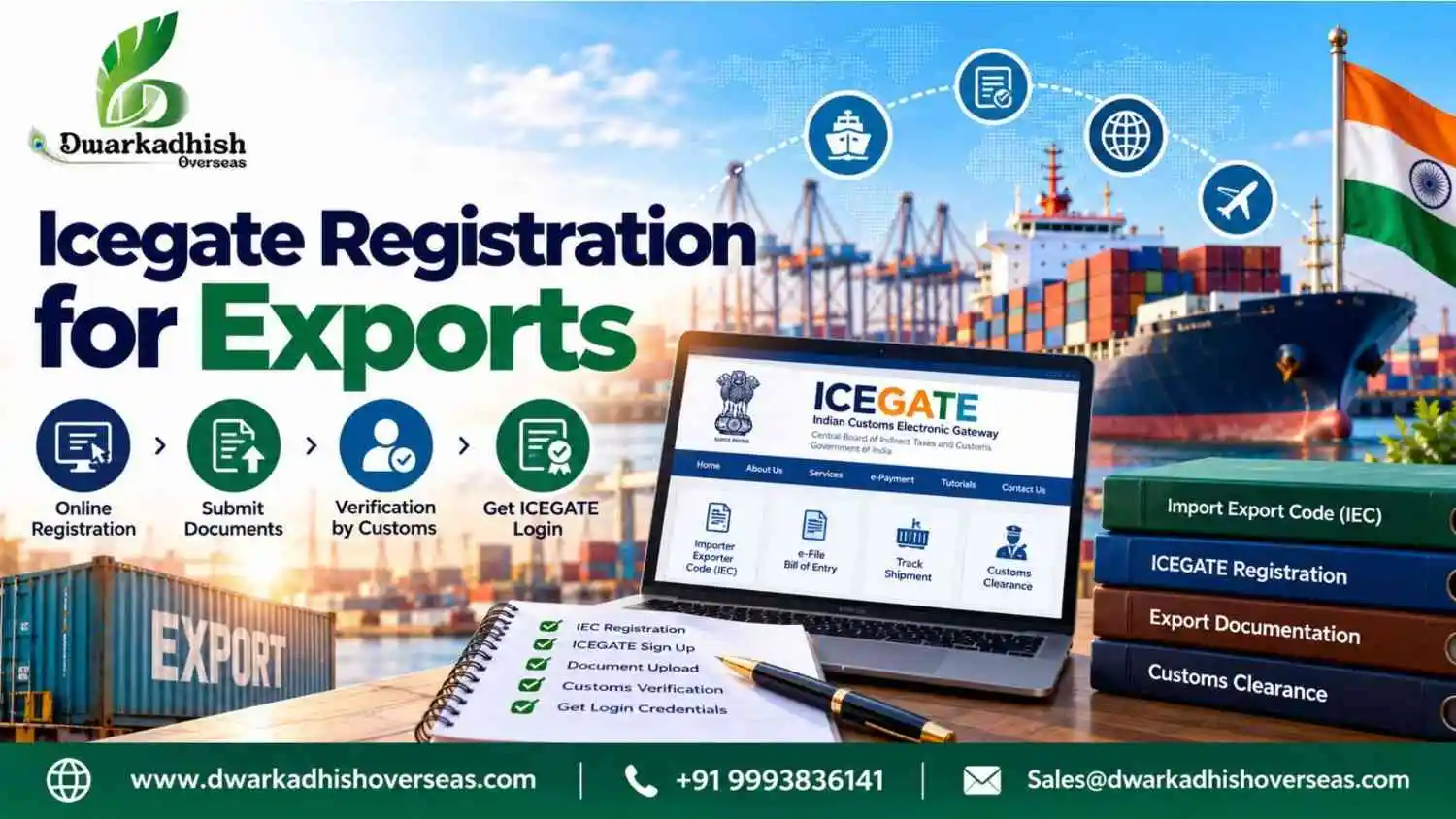
Do you want to export goods from India? You must know the rules before you ship your goods. The icegate registration process helps exporters use online Customs services. These services help them manage key export tasks.
ICEGATE stands for Indian Customs Electronic Gateway. It is an online portal for Indian Customs. Exporters can use it to access many Customs services.
This guide explains how to register on ICEGATE 2.0. It also covers the required papers and DSC rules. You will also learn what to do after you register.
Table of Contents
- What Is ICEGATE Registration?
- How Does ICEGATE Help Exporters?
- Who Needs ICEGATE Registration for Exports?
- Is ICEGATE Registration Compulsory for Export?
- Documents Required for ICEGATE Registration
- ICEGATE Registration Process Step by Step on ICEGATE 2.0
- Step 1: Visit the ICEGATE website
- Step 2: Open the registration page
- Step 3: Choose your account type
- Step 4: Enter your business details
- Step 5: Add the authorised person's details
- Step 6: Complete the checks
- Step 7: Use your DSC if needed
- Step 8: Send your request
- Step 9: Check your request
- Step 10: Log in to your account
- Common ICEGATE Registration Mistakes
- How to Check ICEGATE Registration Status
- What to Do After ICEGATE Registration
- Conclusion
- Frequently Asked Questions
- What Is the ICEGATE Registration Process for IEC Holders?
- Is ICEGATE Registration Compulsory for Export?
- How Long Does ICEGATE Registration Take?
- Is ICEGATE Registration Free?
- What Documents Are Required for ICEGATE Registration?
- Can We Export Without ICEGATE Registration?
- What Is the Validity of ICEGATE Registration?
- What Should I Do After ICEGATE Registration?
What Is ICEGATE Registration?
ICEGATE is the online portal for Indian Customs. It serves importers, exporters and Customs brokers. Users can access many Customs services through this portal.
ICEGATE registration lets users access online Customs services. To register, you must share the details the portal asks for. You may also need to prove your identity. Some users must send extra papers.
Most businesses need an Importer Exporter Code (IEC) to export goods. The IEC is a code used for import and export work. But having an IEC does not finish every ICEGATE step.
Need help with the process? Visit our ICEGATE registration service.
How Does ICEGATE Help Exporters?
ICEGATE gives exporters access to online Customs services. It can make some export tasks easier to manage.
Exporters may use the portal to:
- File export papers online.
- Check shipping bill details.
- View trade records.
- Use Customs services.
- Access other approved online tools.
The services you can use depend on your account type. Check which tools you need before you register.
Who Needs ICEGATE Registration for Exports?
ICEGATE registration helps exporters access online Customs services. Importers, Customs brokers and other approved trade users can also register. Each user must choose the right registration type.
Export businesses may need an ICEGATE account in these cases:
- Exporters with an IEC
Most businesses need an Importer Exporter Code (IEC) to export goods. Some cases are exempt under the rules. The IEC identifies a business during import and export work. Eligible IEC holders can register on ICEGATE to access online Customs services.
- Authorised persons
A business may allow a person to handle its Customs work. This person must follow the ICEGATE registration rules. They may also need to submit proof of their authority.
- Employees handling export documents
Businesses may give staff access through child user accounts, where this option is available. This lets approved employees handle certain tasks under the main account. Their access depends on the permissions set by the business.
- Customs brokers
Exporters may hire Customs brokers to manage filing and other Customs tasks. Brokers use their own accounts for this work. Their registration does not replace the exporter’s own account where separate access is required.
Is ICEGATE Registration Compulsory for Export?
An IEC is needed for most goods exports from India. Some cases may be exempt under the rules. But an IEC and ICEGATE registration are not the same.
The need for ICEGATE registration depends on your export work. Some exporters use a Customs broker to file papers. Still, they should check which rules apply to them.
Do not assume that every export follows the same steps. Check the rules before you ship your goods.
Documents Required for ICEGATE Registration
Keep your papers ready before you start. Missing details can slow down your request. The list may change based on your account type.
ICEGATE Registration Documents List
| Document or detail | Why you may need it |
| IEC details | Shows your import-export code |
| PAN details | Helps check your identity or business |
| Business details | Gives the name and details of your firm |
| Email address | Let you get updates |
| Mobile number | Helps with account checks |
| Authorised person’s details | Shows who will manage the account |
| DSC | Helps sign online papers when needed |
| Authorisation letter | Gives a person permission to act for your firm |
| Board resolution | Records a company’s decision when needed |
This is a basic list. Check the ICEGATE website for the papers you need.
Authorisation Letter for ICEGATE Registration
An authorisation letter gives a person permission to act for a business. You may need one if a staff member handles your registration.
The letter should name the business and the person. It should also state why the person has this power. Follow the portal’s rules for the format and signature.
Board Resolution for ICEGATE Registration
A board resolution records a company’s formal decision. It may name the person who can handle ICEGATE work.
Not every user needs this paper. Check the rules for your type of business before you prepare it.
Which DSC Is Required for ICEGATE Registration?
A Digital Signature Certificate (DSC) is an online signing tool. It helps prove who is signing a digital paper. Some ICEGATE services need this form of proof.
The type of DSC you need depends on your work. Check the latest ICEGATE rules before you buy one.
Which Type of DSC Is Required for ICEGATE Registration?
Do not buy a DSC without checking the rules. First, check which type ICEGATE accepts. Also check the name of the person who will use it.
The DSC must meet the portal’s rules. Wrong details may stop you from signing online papers.
Can You Complete ICEGATE Registration Without a DSC?
Some users may be able to register without a DSC. Other users may need one for checks or online tasks.
So, the answer depends on your account type. Check the current ICEGATE rules before you start. This can help you avoid buying the wrong DSC.
ICEGATE Registration Process Step by Step on ICEGATE 2.0
The icegate registration process starts with the right account type. You must then enter your details and complete the checks.
Follow these steps to get started.
Step 1: Visit the ICEGATE website
Open the official website at www.icegate.gov.in. Make sure you use the real site.
Step 2: Open the registration page
Look for the registration option on the site. The name or place of this option may change.
Step 3: Choose your account type
Pick the option that matches your role. If you have an IEC, follow the steps for IEC holders.
Step 4: Enter your business details
Add your IEC and other details. Check each entry before you move on.
Step 5: Add the authorised person’s details
Enter the details of the person who will manage the account. Make sure the details are correct.
Step 6: Complete the checks
Follow the steps shown on the screen. You may need to check your email or mobile number.
Step 7: Use your DSC if needed
Some users must use a DSC. Make sure it is valid and meets the portal’s rules.
Step 8: Send your request
Check all the details before you submit the form. Fix any errors first. Save the reference number if the portal gives you one.
Step 9: Check your request
Use the status tool to check your request. Follow any new steps shown on the portal.
Step 10: Log in to your account
Once your account is ready, follow the login steps. Check that you can use the services you need.
These are the main steps in the process. The exact steps may change based on your account type. Always follow the latest guide on ICEGATE 2.0.
Common ICEGATE Registration Mistakes
Small errors can cause delays. Check these points before you send your request.
- Enter the right IEC and business details.
- Use an email address you can open.
- Send all the papers the portal asks for.
- Choose the right account type.
- Check that your DSC meets the rules.
- Read all updates about your request.
Check your details before you submit the form. This can help you avoid common errors.
How to Check ICEGATE Registration Status
After you apply, check your request status. This tells you if you need to take more steps.
Follow these steps:
- Open the official ICEGATE website.
- Find the status check option.
- Enter the details the portal asks for.
- Check the status shown on the screen.
- Follow any new steps if needed.
The steps may differ for each account type.
What If Your Application Is Pending?
A pending request may need more checks. The portal may also ask for extra papers.
Check your email for updates. Also check the portal for new steps. If your request stays pending, contact the ICEGATE help desk.
Keep your reference number ready when you ask for help.
What If Your Application Is Rejected?
Read the reason for rejection. Check if you entered wrong details or missed a paper.
Fix the issue before you apply again. If you do not understand the reason, ask the help desk for guidance.
What to Do After ICEGATE Registration
Your account is only one part of the export process. You may need to finish other tasks before shipping goods.
The next steps depend on your business and shipment.
1. Check Your Account
Log in after your registration is approved. Check if you can use the services you need.
Keep your login details safe. If staff need access, use the user options allowed by ICEGATE.
2. Check Your Bank Details
Review the bank details needed for your export work. Make sure the details match the rules for your Customs tasks.
Some services may need extra bank details. Follow the steps shown on the portal.
3. Complete AD Code Registration Where Needed
An Authorised Dealer (AD) Code is linked to a bank that handles foreign money payments. Exporters may need to register this code at the right Customs location.
The rules can vary by port and export work. Check the rules before you send your details.
Need help? Visit our AD Code registration service.
4. Check Your Export Papers
Prepare your documents such as invoices, pack lists and shipping bill information.
Some goods will require special permissions or approvals. Check what rules apply to your goods.
5. Keep Your Details Updated
Keep your email and mobile number active. Check your account for new messages.
Update your details when needed. This helps you avoid problems with account access.
Conclusion
ICEGATE Registration is an important process to access online services of Customs. Before you apply, make sure that you have your IEC information and all the necessary documents ready.
Check that all the information is correct to avoid common mistakes. Once your account is active, review your account information and bank details to make sure everything is accurate.
Find out if you need AD Code registration for your export work. Also, check the papers and rules that apply to your goods. If you face any issues, seek help from the official ICEGATE help desk.
With the right steps, you can manage export tasks with fewer errors and avoid delays caused by missing details.
Frequently Asked Questions
1. What Is the ICEGATE Registration Process for IEC Holders?
IEC holders must visit the official ICEGATE website and choose the right registration option. Enter your business details and complete the checks shown on the portal. Some users may also need a Digital Signature Certificate (DSC). After applying, save your reference number and check your registration status.
2. Is ICEGATE Registration Compulsory for Export?
The need for ICEGATE registration depends on your export work and the Customs services you use. Most goods exports need an IEC, subject to some exceptions. ICEGATE registration is a separate step. Check the rules for your shipment before sending your goods from India.
3. How Long Does ICEGATE Registration Take?
The time needed for ICEGATE registration can vary by account type and the checks required. Wrong details or missing papers may cause delays. Check your application status on the portal. If ICEGATE asks for more details, send them as soon as possible.
4. Is ICEGATE Registration Free?
Check the official ICEGATE website for the latest fee rules. Do not assume that every related service is free. You may need to pay for a Digital Signature Certificate (DSC) or expert help. Confirm any charges before you start the registration process.
5. What Documents Are Required for ICEGATE Registration?
You may need your IEC details, PAN details and business information. Keep your email address and mobile number ready. Some users may also need a DSC, an authorisation letter or a board resolution. Check the official portal for the full list before applying.
6. Can We Export Without ICEGATE Registration?
The answer depends on your shipment and the Customs filing method. Some exporters may use authorised agents to handle certain filing tasks. However, the rules can vary by transaction. Check the requirements for your goods and export process before shipping them.
7. What Is the Validity of ICEGATE Registration?
The rules for ICEGATE registration may vary by account type and service. Check your account for notices about renewal or extra checks. Keep your business details up to date. Follow any instructions shown on the portal to maintain access to the services you need.
8. What Should I Do After ICEGATE Registration?
First, log in and check that your account works. Then review your bank details and find out if AD Code registration is needed. Prepare the papers required for your shipment. Also check for other Customs steps that apply to your goods before export.